AI-native vs. AI bolted on: what the difference actually looks like
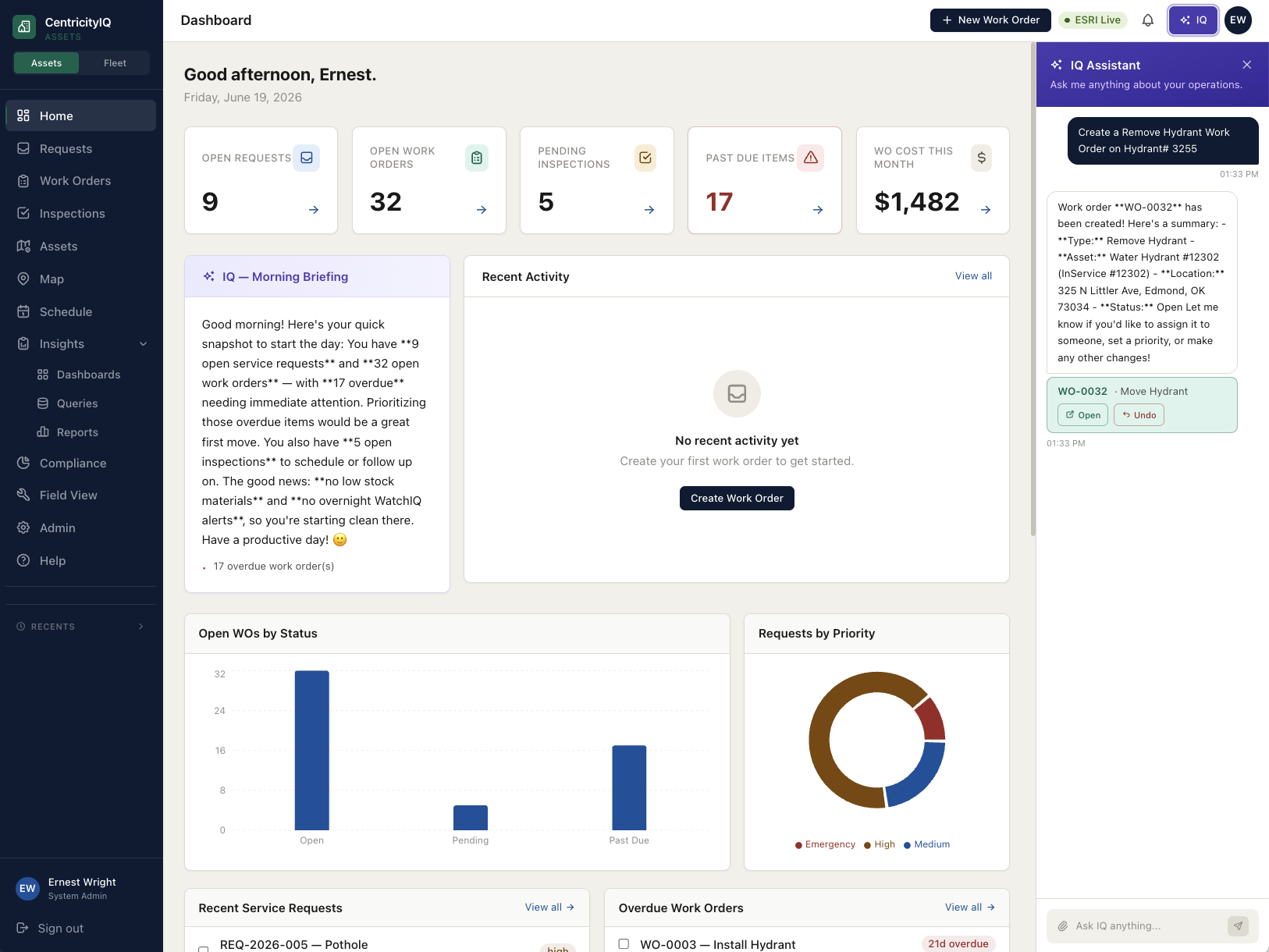
“AI-native” and “has AI” are not the same claim, but they’ve collapsed into the same bullet point on nearly every vendor’s website. The distinction is not marketing — it determines whether the AI can actually do your work or merely talk about it.
What “bolted on” looks like in practice
The most common pattern is a chat window added to an existing interface. You can ask it questions, and it will answer from documentation — how to create a work order, where a setting lives, what a field means. What it usually cannot do is look at your records. Ask how many work orders are overdue and it will tell you how to run a report. The system got a conversational front door; the twenty-year-old rooms behind it didn’t change.
A second pattern is a single AI-labeled feature in one corner of the product — a summarizer, a description generator — genuinely useful, but disconnected from the rest of the workflow. AI in that shape is a feature, not a foundation.
What AI-native means
AI-native means the assistant has authenticated access to live records and permission to act on them, subject to the same role-based rules as the person using it. Ask “how many work orders are overdue this month, and which crews?” and it queries actual data and returns the answer with the records behind it. Say “create a hydrant replacement work order at 4th and Oschner, assign it to the water crew, due the 31st” and the record exists when it finishes — geocoded, assigned, dated.
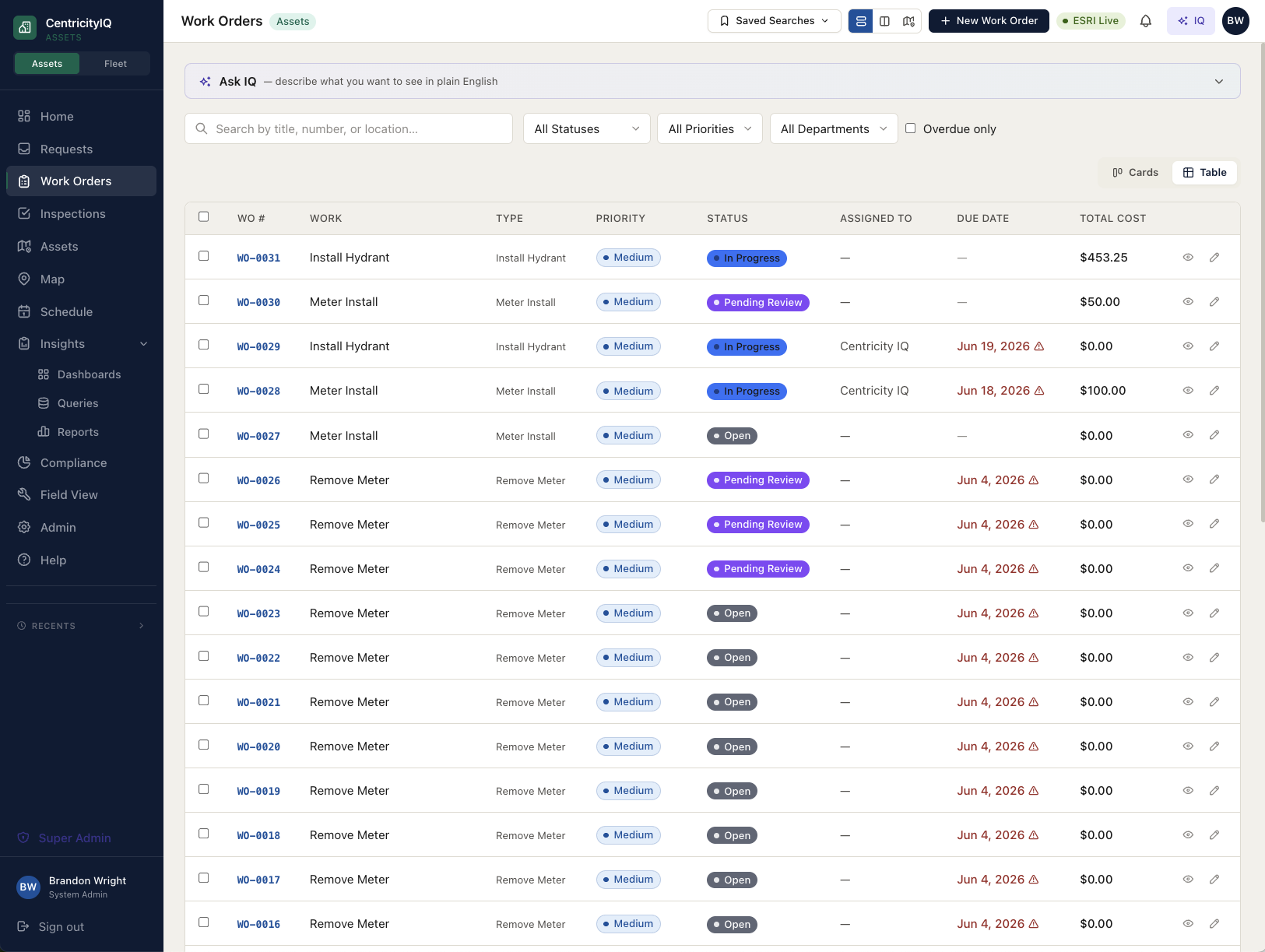
The difference is architectural. An assistant that can read your data, respect your permissions, and write records has to be designed into the platform’s core. It cannot be added to the outside later, which is why so much municipal software has a chat window instead.
Why this matters more for small agencies
A large department can absorb a clunky system by assigning someone to it. A five-person public works crew cannot. When the person who knows how to build the report retires or moves on, the reporting stops. An assistant that answers plain-English questions against live data doesn’t just save clicks — it removes single points of failure from a team that has no depth to spare.
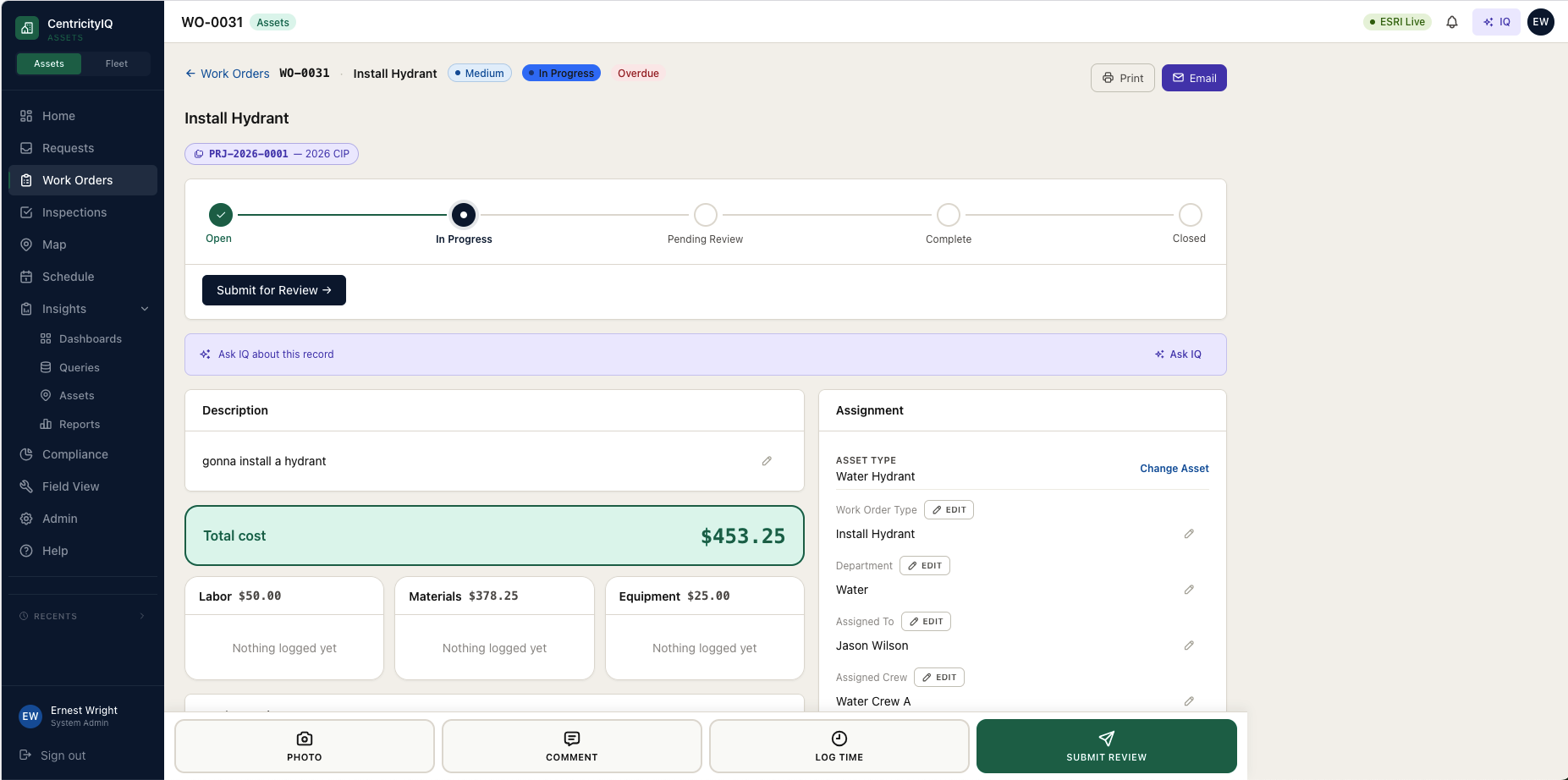
The same applies to setup. Configuration is where municipal software goes to die: a system gets stood up correctly once, then never updated because changing it requires a specialist. An assistant that can propose configuration from your existing documents and GIS layers keeps the system matching reality instead of drifting from it.
The honest limits
AI shouldn’t invent inspection data, guess at a capital plan, or replace the judgment of someone who has walked the asset. A good assistant shows its work — the answer, and the records it came from — so you can verify rather than trust. Any vendor implying otherwise is overselling, and that’s worth being skeptical of regardless of who’s making the claim.
Where CentricityIQ stands
IQ, our assistant, is available on every screen in the product today. It answers questions against live records, creates and assigns work from a sentence, performs bulk actions across many assets at once, builds dashboards and reports on request, and helps configure the system itself. It’s in production, not on a roadmap — and the fastest way to judge that claim is to make us show it to you live, on your own data. That’s the same test we’d suggest you apply to anyone, including us.